Consumption
It took me a while, but I finally managed to scrap together the parts that make for a consumption page!
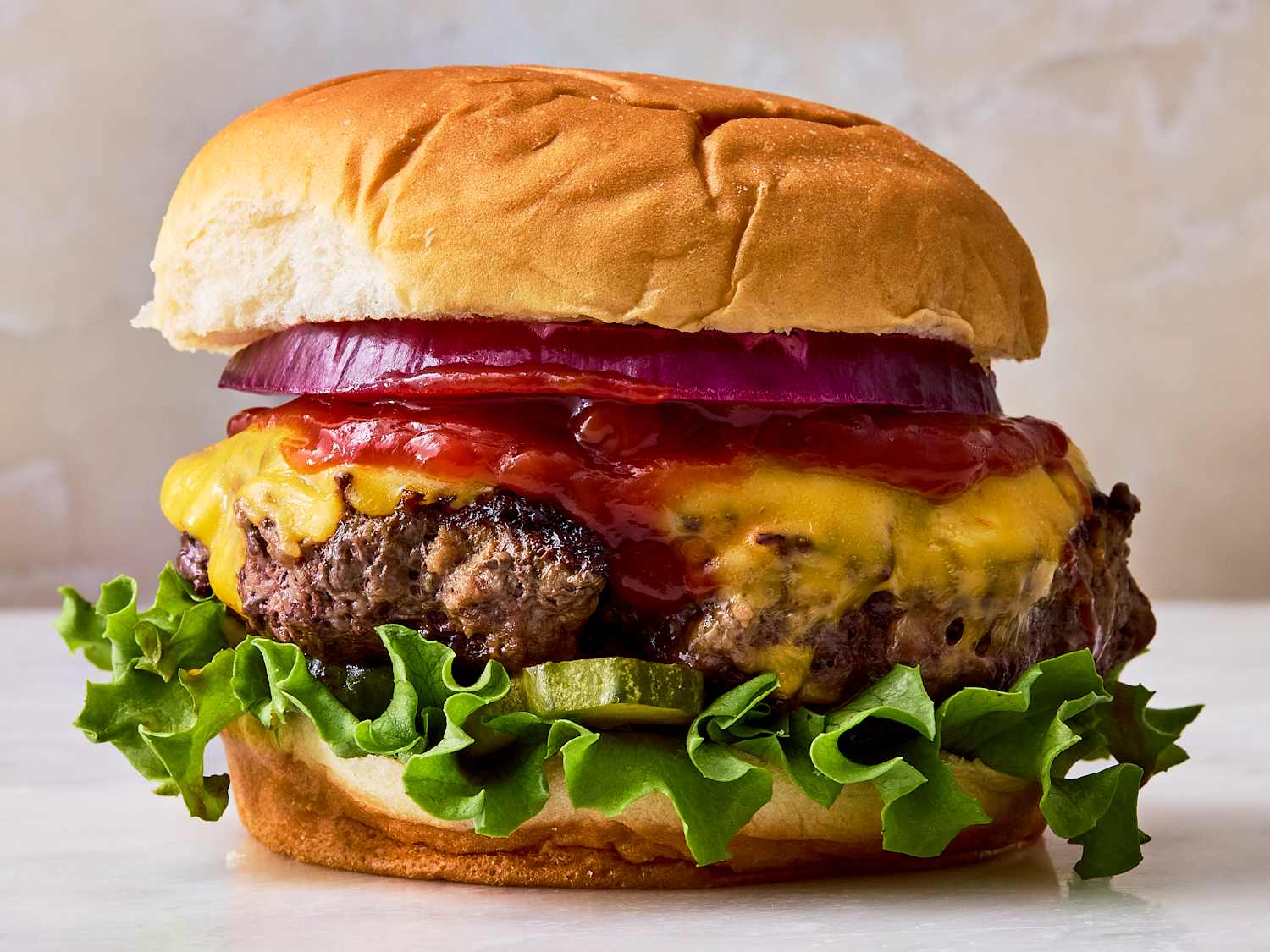
I don’t know why that’s what I keep referring to it as. I guess I can’t really think of a better name for it. “The media that entertains you” is probably more apt of a description. But if it’s any good it’s also digested and nourishing. Not just something that happened as you were in that same place. Too many people watch too much crap on TV nowadays. So maybe my idea is somewhat naively that whatever I watch or read I learn and progress with. Hence the burger image. Though it (hopefully) has very little to do with fast food.
The hope is of course that I can add some cliff notes for the things I read or watch. Which I’ve been doing an extremely poor job with so far. But I do tend to have summaries and highlights annotated throughout the books so fingers crossed it shouldn’t be too hard to go back and actually review and reflect on the stuff some rainy day. When the kids are out and I’m old and wise and the spirit is on me.
Would also be fun to get a little “currently in progress”-widget on top of the page that updates from some source dynamically.
The only setup I have for this so far is
- Write data points and small reflections day by day in my journal, including in case I consumed something.
- Once in a blue moon condense and review the journal, so that I actually put some tidier data in a spreadsheet somewhere.
- A little python script that fetches and packages the spreadsheet data into a JSON file in this site repo.
- Finally a little template that renders the data.
Flowchart illustrated
Yes I’m overly fond of mermaid graphs.
So as you can see, the need for a real-time feed isn’t really all that useful, and would give me a lot more work for something I can barely keep up with as is. Looking at this list I even realized that quite a few items are not in here because I must have forgotten to journal that particular day.
I did learn one fun thing setting up this python script though! Apparently GCP has a “search engine API” that you can use to run programatic google searches and get the results back. With agents doing most of the coding for us that felt like a simple WebFetch-tool call but I guess that’s not quite the structured thing you want to put in a script.
That’s a long and winding way to say that I got a consumption page up and running that doesn’t have much more than that. And everytime I sit down to write I realize I really want to be doing that more too. Here’s to more posts and more data!
In case you’re at all interested in what I’m reading or watching, check it out and let me know in case you did!